 BONUS WALK
BONUS WALK
Walk. Loop. Earn.
A GPS walking game for your city. Walk loops, score points by area and speed, and redeem them for real gift cards.
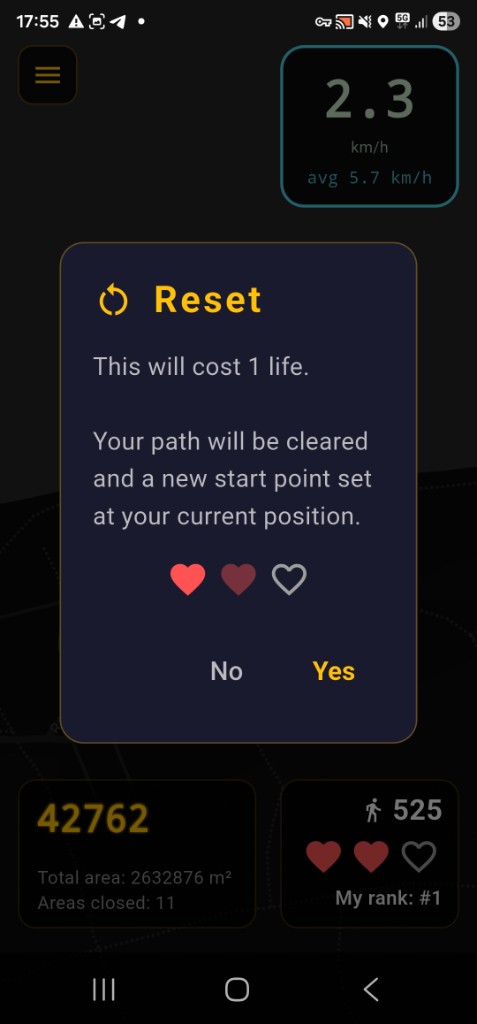
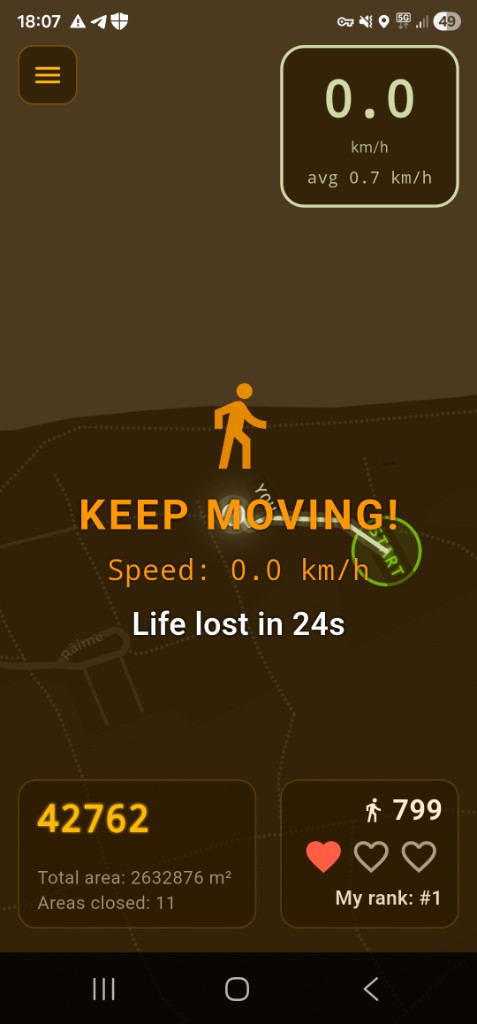
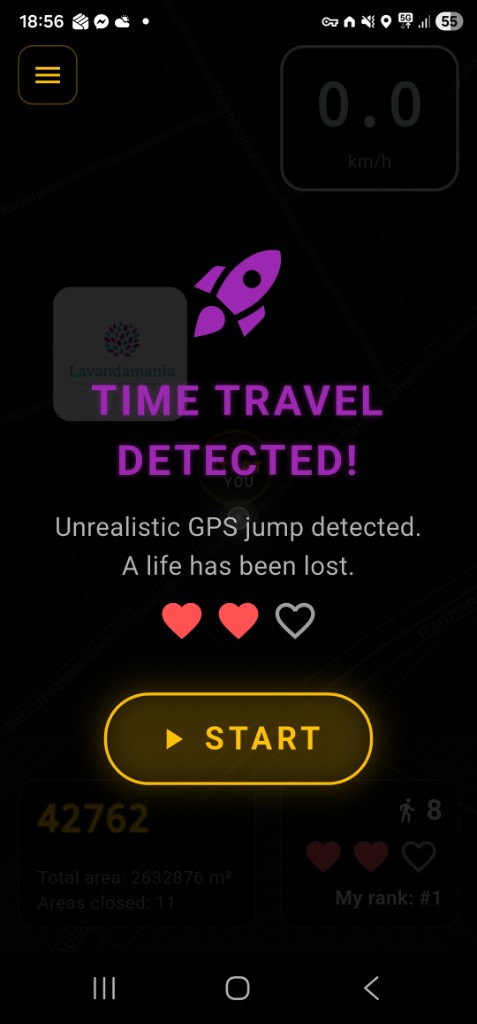
Trail tip (Loops): crossing your own path costs a life, except inside the amber dashed circle near START (30 m)—there crossings are ignored so you can shape the loop without a false penalty. Return inside the green 15 m start circle to close the loop. GPS is imperfect; the app also filters tiny crosses at sharp corners. Leave space and do not hug your trail.
Hey! To install BonusWalk:
- Install TestFlight from the App Store first (if you don't have it)
- Don't open TestFlight directly
- Tap this link (or copy and open in Safari): https://testflight.apple.com/join/aKm4f2AX
- TestFlight opens with an "Accept" or "Install" button
- Tap and install
No code needed — the link does everything automatically.
OPEN BETA ON TestFlightHow It Works
Walk & Draw
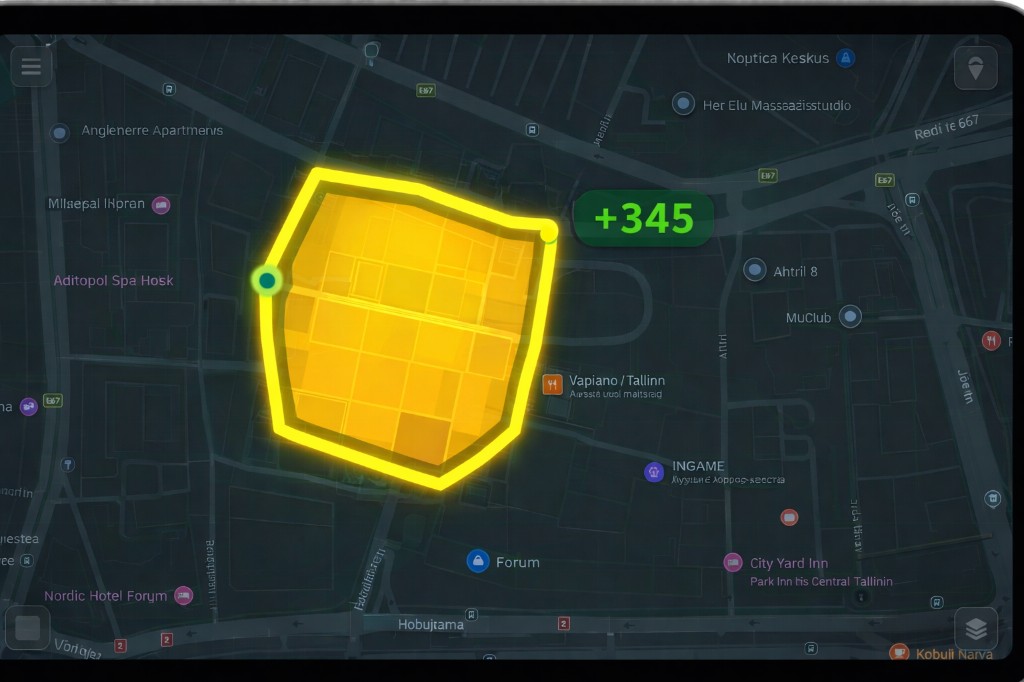
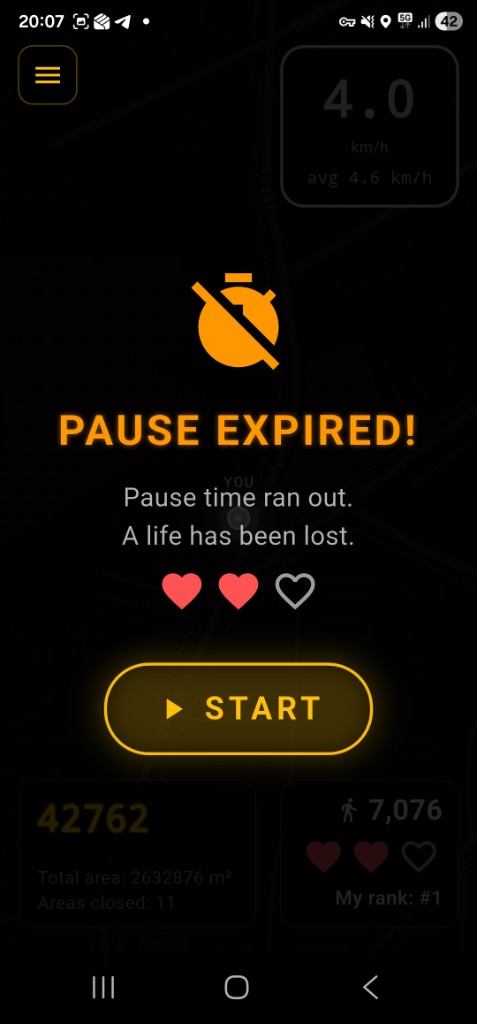
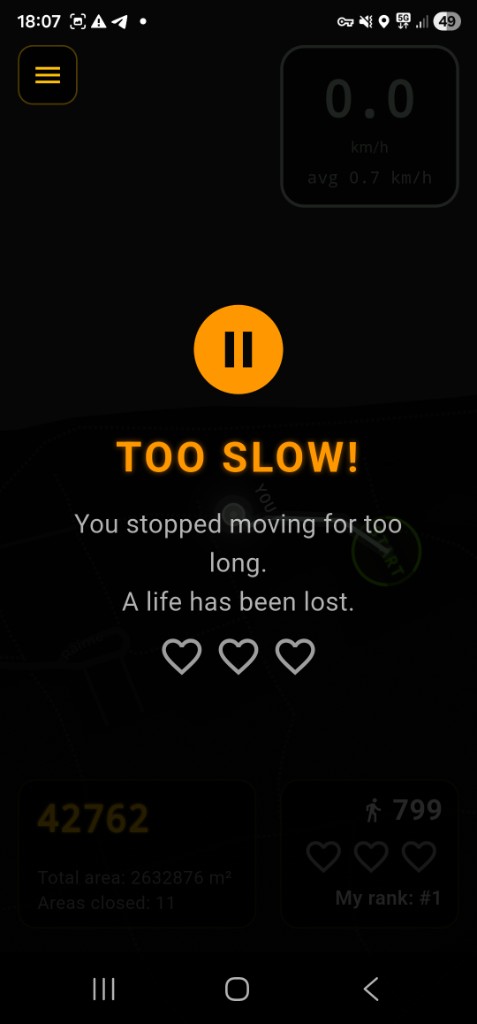
Your real-world route is traced on the map. Track your steps, distance, and speed as you walk.

Close Loops
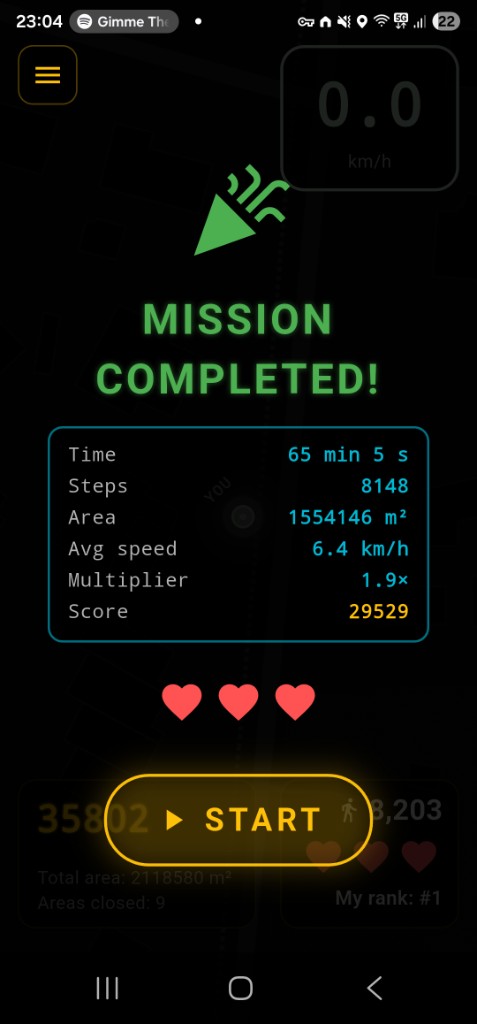
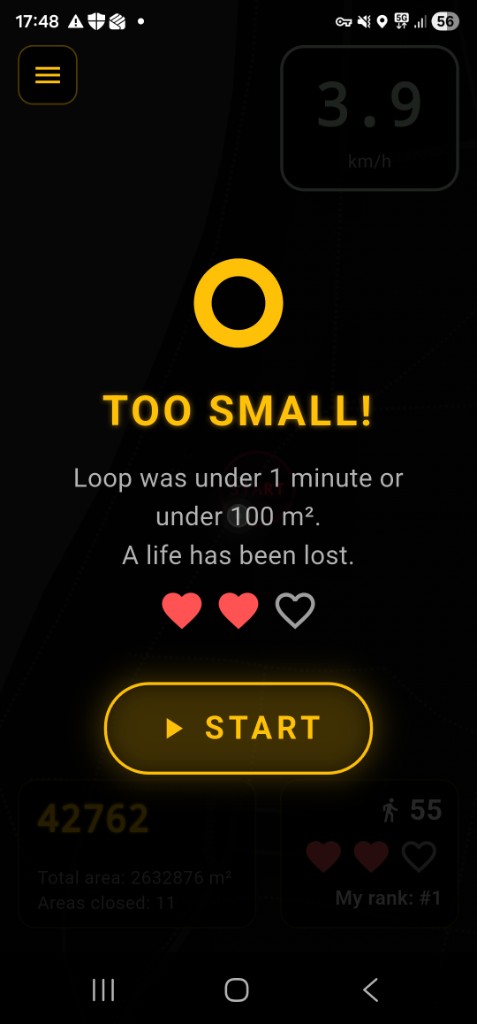
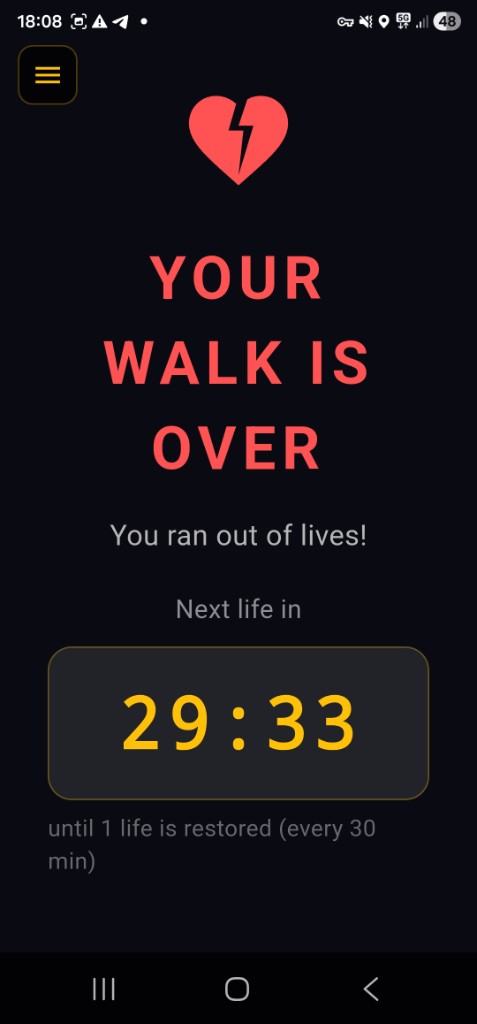
Return to your starting point to close the loop. Points = area captured × speed multiplier. Each loop must be at least 1 minute and 100 m² to count; otherwise you lose a life.
Win Prizes
Reach 100,000 eligible points and redeem a real €10 gift card in the app.
Compete
Climb the leaderboards and prove you're the best walker in your city.
Gift Card Rewards
Earn 100,000 eligible points in the Bonus Walk app and redeem them for a real €10 gift card. One gift per campaign. 20 gift cards in total.
Gift cards are available only for Estonian residents.
If you want to bring sponsors from your country, please contact us. contact@bonuswalk.com
Eligible points count from September 7, 2026 (UTC). At most 5,000 points per UTC calendar day count toward the gift target.
How to redeem
- Sign in to the Bonus Walk app on your phone.
- Open the menu and tap Redeem Gift.
- When you have 100,000 eligible points, pick an available gift card.
- Fill in delivery details and tap Redeem — we'll send your gift card.
GPS tips
- On the map in Loops mode you see two circles at START: a solid green 15 m circle (finish here to close the loop) and a larger amber dashed 30 m circle (path crossings inside it do not cost a life).
- Don't cover the top edge of the phone, and try not to block the view of the sky with your torso or hand — a clearer sky view helps the GPS lock.
Game Preview